Back to Templates
Revenue Dashboard
Data Viz

Revenue Dashboard

Quarterly revenue chart with caption and web-optimized export

quickchart
barrevenuequarterlydashboardsalespipeline
Claude Code Ready Multi-step Pipeline

How It Works

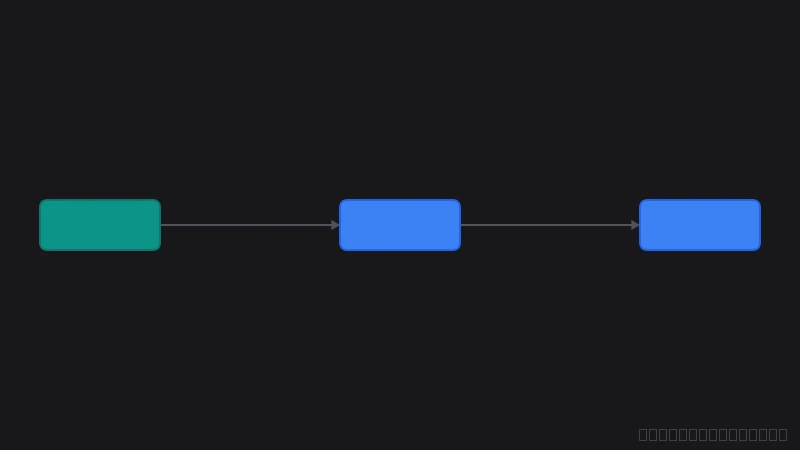
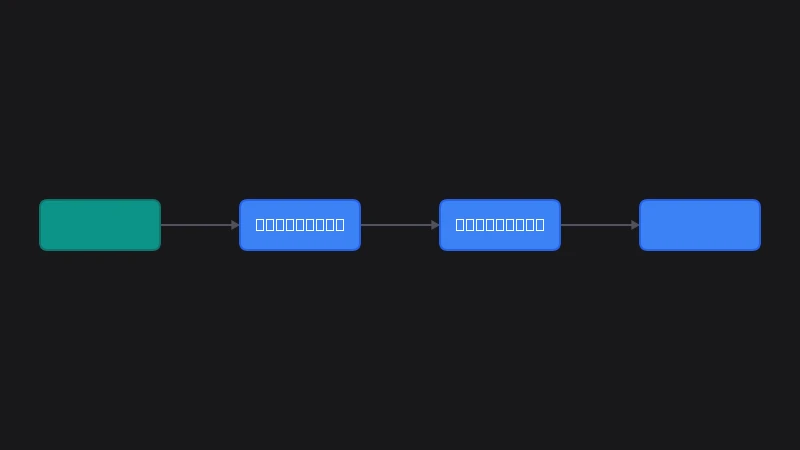
4 steps in this workflow

  1. 1 Generate chart (QuickChart)
  2. 2 Resize to 800×500
  3. 3 Add caption "Source: Finance Dash..."
  4. 4 Convert to WEBP

Code Examples

Use this template programmatically with the FloImg SDK or CLI

const chart = await floimg
  .generate('quickchart', {
    chart: {
      type: 'bar',
      data: {
        labels: ['Q1', 'Q2', 'Q3', 'Q4'],
        datasets: [{ label: 'Revenue ($K)', data: [120, 190, 175, 240] }]
      }
    }
  })
  .transform('resize', { width: 800, height: 500, fit: 'inside' })
  .transform('addCaption', {
    text: 'Source: Finance Dashboard',
    position: 'bottom-right',
    fontSize: 12
  })
  .transform('convert', { to: 'image/webp', quality: 90 })
  .toBlob();
# Revenue Dashboard
name: "Revenue Dashboard"
steps:
  - kind: generate
    generator: quickchart
    out: result
# Revenue Dashboard
floimg generate quickchart \
  --output result.png